Broadcast Transaction submits a signed raw transaction to the Bitcoin network. Use it when you have already signed a transaction elsewhere (for example on an offline device, in a hardware wallet companion app, or after building a PSBT) and need to publish it.
Open the tool
Go to Settings → Tools → Broadcast Transaction.
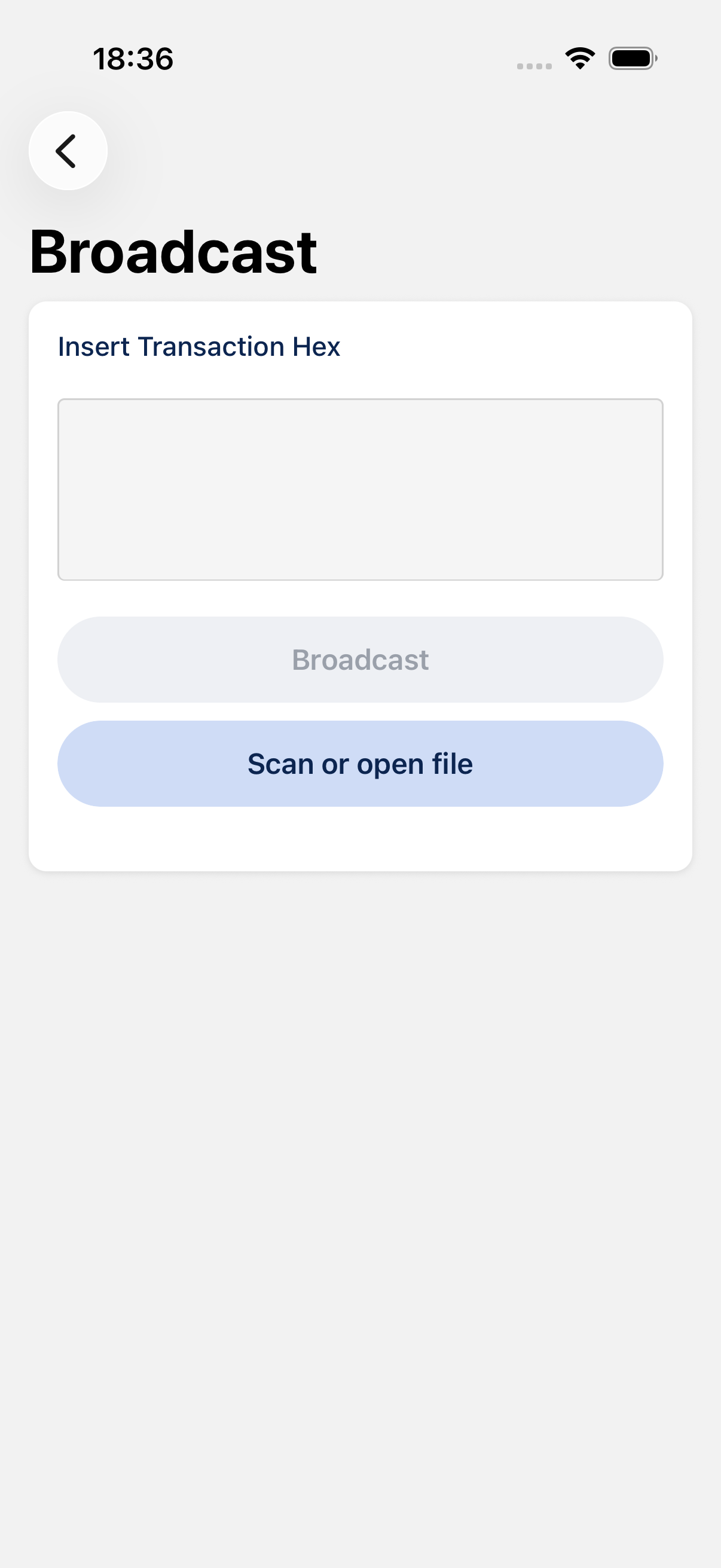
Broadcast a transaction hex
- Paste the transaction hex (raw signed transaction) into the field.
- Tap Broadcast.
BlueWallet connects to the network and sends the transaction. On success you see a confirmation and can open the transaction in your block explorer.
You can also tap Scan or open file to load a hex string or PSBT from a QR code or file. If you scan a PSBT, BlueWallet extracts the signed transaction hex automatically.
When to use it
- Cold storage / air-gapped signing: sign offline, then broadcast from your online phone.
- Multisig workflows: broadcast a fully signed transaction after cosigners have signed.
- Recovery: re-broadcast a signed transaction that never propagated.
Tips
- The transaction must already be fully signed. BlueWallet does not sign transactions on this screen.
- You need a network connection. If Electrum is in offline mode, broadcasting will fail.
- An invalid or already-broadcast hex will show an error. Read the message and verify the data you pasted.
- After a successful broadcast, the transaction appears in the relevant wallet once it syncs.